
Swedish touch typing practice: Phrases
Touch typing means typing with all ten fingers without looking at the keyboard. Each finger starts on the home row and is responsible for its own keys, so with regular practice your hands find every letter from memory. This free trainer shows which key and finger come next while you type.
Looking for typing software for blind or visually impaired people? This trainer is visual, so a tutor built for screen readers will suit you better.
Practice with phrases
Phrases mode gives you 100 everyday sentences with capital letters, spaces and punctuation. Typing whole sentences trains a steady rhythm and teaches you to read a little ahead of your fingers.
How to practice
Rest your fingers on the home row and keep your eyes on the text, not your hands. Follow the highlighted key and finger on the on-screen keyboard. Aim for accuracy first: speed comes with practice. Ten to fifteen minutes a day works better than one long session. Turn on correction mode to fix each mistake before moving on.
What the trainer offers
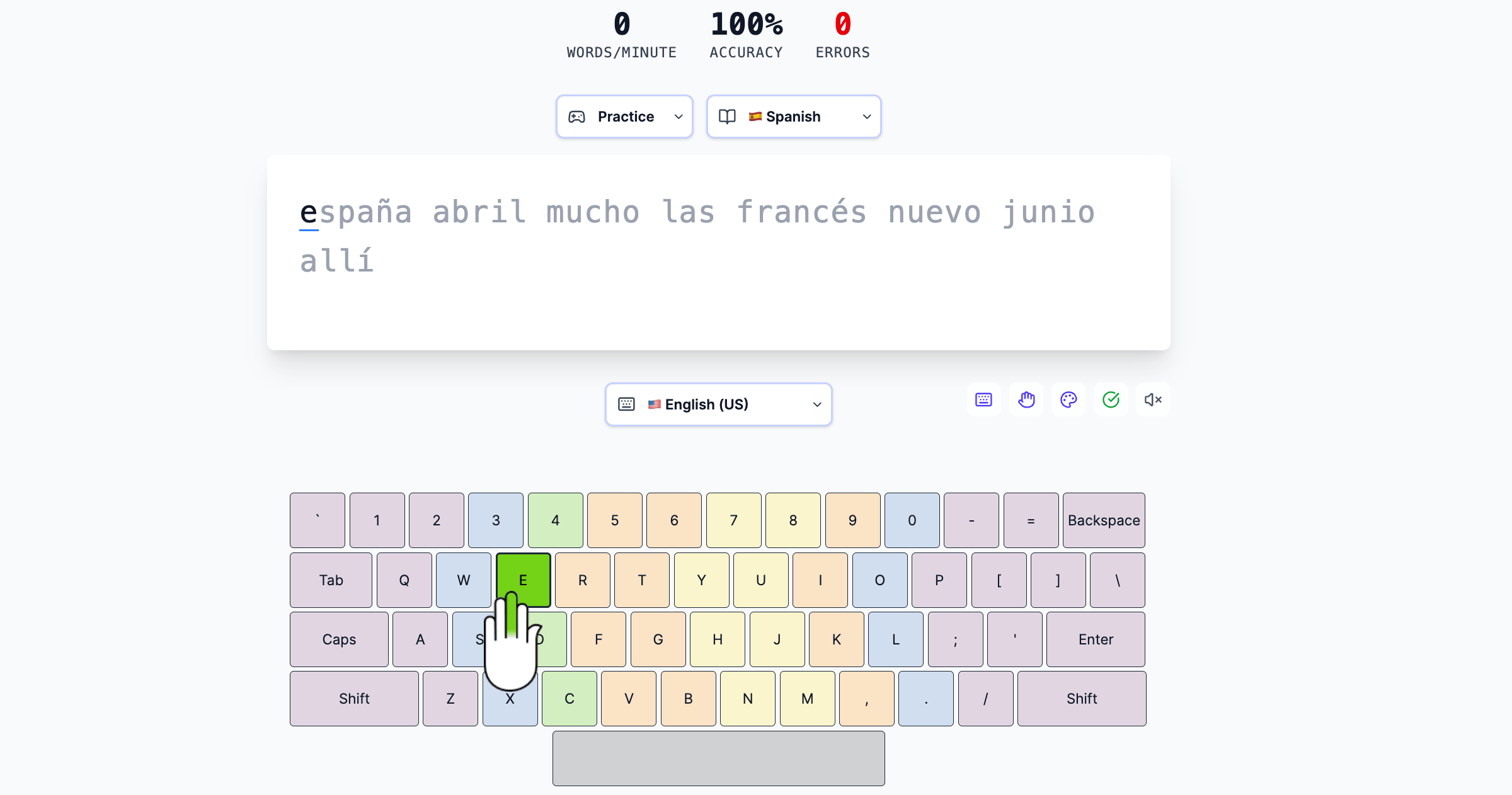
- On-screen keyboard that highlights the next key, with finger hints and color zones
- 45 practice languages and 41 keyboard layouts
- Live speed (WPM), accuracy and error count
- Free, with no sign-up; your settings stay in your browser
Practice details
- Keyboard layout
- Svenska
- Home row
- a s d f j k l ö
- Word list
- 1,239 common words
- Phrases
- 100 everyday sentences
- Sample words
- inte, till, vill, bara, kommer, måste, honom, skulle
- Letters beyond A–Z
- é å ä ö
- Sample phrases
God morgon, hur mår du?
Jag mår bra, tack.
Vad heter du?
Frequently asked questions
How long does it take to learn touch typing?
With 10–15 minutes a day, most people learn the key positions in two to four weeks. Reaching a comfortable speed takes a few months of regular practice.
Which finger presses which key?
Each finger rests on one key of the home row and presses the keys above and below it. The colors on the on-screen keyboard show each finger's zone, and the thumbs press the space bar.
Do I need to install anything or sign up?
No. The trainer runs in your browser, is free and needs no account.
Can I practice a language my computer has no layout for?
Yes. Pick the practice language and keyboard layout: if your system layout is different, the trainer converts your key presses, so you can follow the on-screen keyboard.
Does it work on a phone or tablet?
Touch typing needs a physical keyboard. On a tablet or phone, connect a Bluetooth or USB keyboard.